


Developer: Digital Eclipse
Publisher: Atari, Digital Eclipse
Platform: Nintendo Switch, Nintendo Switch 2, PlayStation 4, PlayStation 5, PC, Xbox One, Xbox Series X/S
Tested on: PC
Barbie™ Rewind – Review
As time tends to pass, older games become lost media. These games end up lost in a box in the basement, or become unplayable due to the technology required being discontinued. Thanks to Atari and Digital Eclipse, fans of our pink diva Barbie can now return to her roots and play up to 16 different games from her various iconic eras! Starting from the 1991 NES game, all the way to 2007 back on the Game Boy Advance, fans can relive and enjoy their favorite doll’s antics again.

Story
We begin our story at Barbie’s Dreamhouse™, or well, at least one of her many estates. Because she’s super busy, she asks for our help decorating the place while she balances her billion jobs. After that, we are pretty much free to do as we please. Our pink-loving friend doesn’t have any requirements for the rooms we get to decorate either. All she asks is that, when done, we send her a picture of the room. Pretty simple, right?
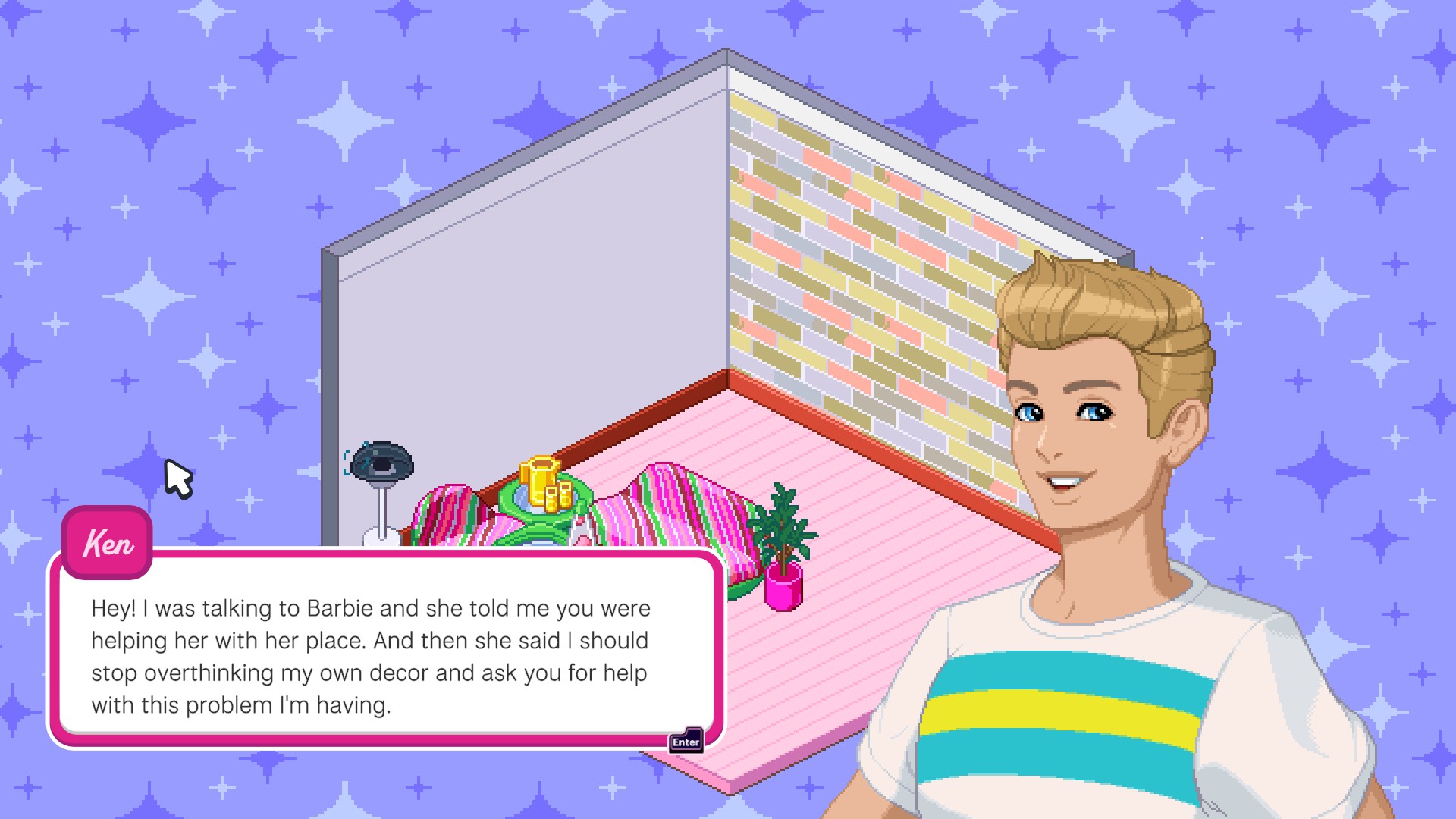
Of course, the simplicity of this storytelling has its own charm, as it is mostly just an extra feature to tie in the real essence of the game. We are playing Barbie™ Rewind for the emulated games, after all. It makes a nice addition regardless, as progressing through the story introduces us to other famous icons later on, such as Ken and Midge.
Graphics
The main art style of Barbie™Rewind is a pixelated 90s style. This goes for the decorating part of the game mainly, as we’ll get to the emulated games later on. When entering the Dreamhouse™ and putting furniture inside, the game will showcase itself in a pixelated style, with just a slight touch of retro. However, character portraits are drawn more in a 00s style, making them stand out a bit more. The style changes complement each other well, as we can recognise our favourite icons in a heartbeat while still staying within the theme of the so-called ‘rewind’. The Dreamhouse™ itself, as well as the furniture, is also a blast from the past. Though there are only two walls per room and a relatively small area to decorate, the items the game offers are all from existing playsets, one way or another. When selecting an item, players get to see where the furniture was taken from, making players reminisce about the times when they were probably playing with said pieces.
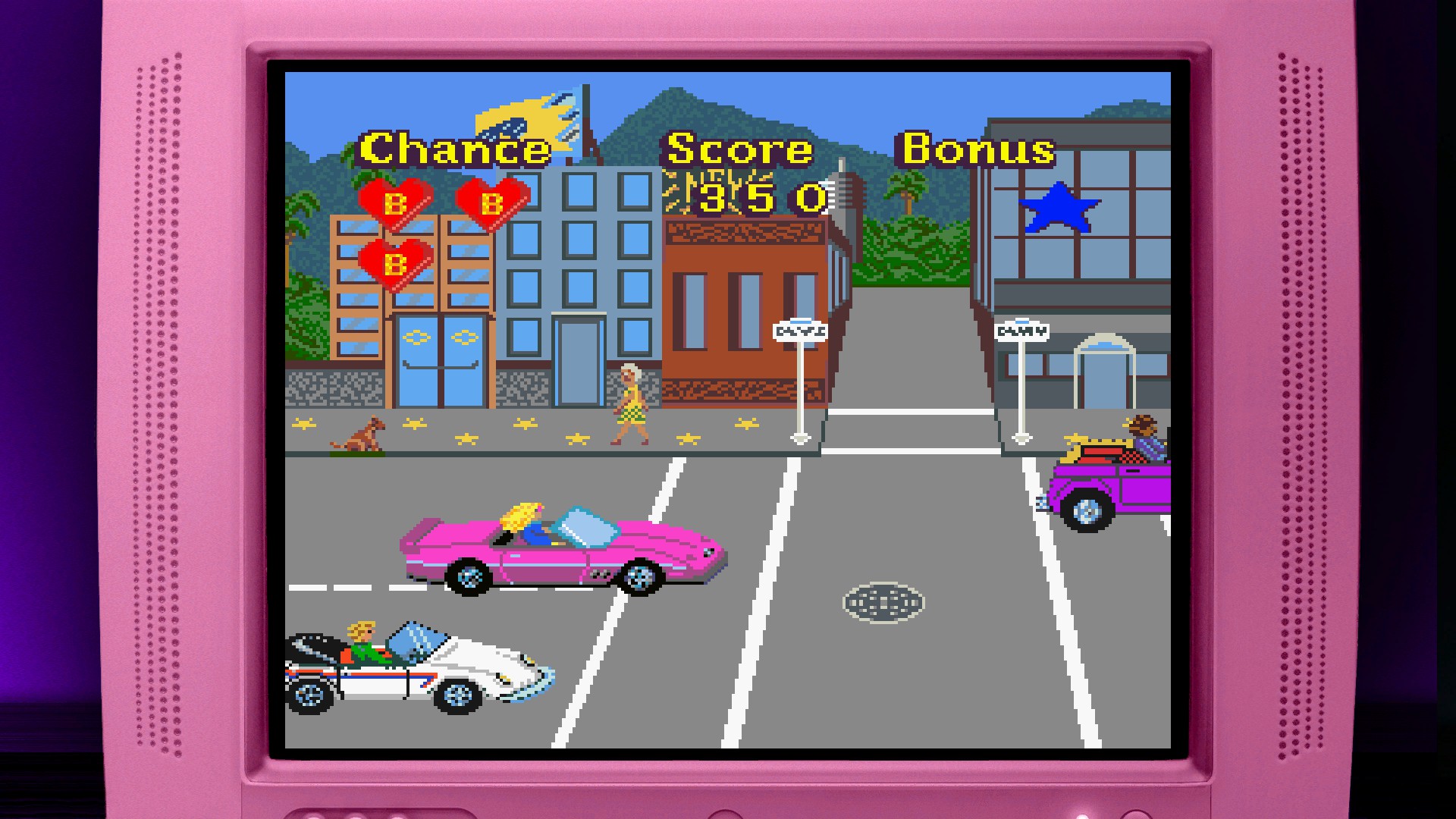
As for the emulated games, it is rather hard to pinpoint a specific style. We can say, however, that Atari has done an amazing job at polishing the old graphics, whilst still keeping it as nostalgic as can be. Given how the games we get to play are originally from different consoles and various time periods, the way they are shown is also vastly different. Nonetheless, every game is bright and readable enough for players to enjoy Barbie’s many adventures once again. A fun little addition is that some ‘consoles’ even have the option to turn on the nostalgic glare from back in the day, making the screen just that little bit more ‘dirty’ to make it feel like you’re in your living room, playing in its designated year again.
Sound
To start with the obvious, some, if not most, music in Barbie™Rewind did not age well. When playing through the emulated games, players get to experience the ‘charm’ of dated games and their monotonous soundtracks included. Most of the older games didn’t have much to work with back in their day, and it really shows. For example, when playing through 1993’s Barbie™ Super Model on the Sega Genesis, the background music is a simple 8-bit tune on a continuous loop. Though the nostalgia was initially great, after a little while players will most likely temporarily mute the game.
Meanwhile, when decorating, Barbie™Rewind surprised us with the new BGMs. The game cycles through a few tracks that are hard to describe, other than mixing something old with something new. One track in particular starts with a glitchy tone, as if we’re booting up our old Atari system again, before hitting us with a proper theme that utilises MIDI tones with more modern finishes.
Gameplay
The gameplay of Barbie™Rewind is hard to fully explain, unless we dive into each game separately. So for an easier understanding, and clearer writing, we’ll simply dive into the decorating game, and consider the emulated games as one whole package.
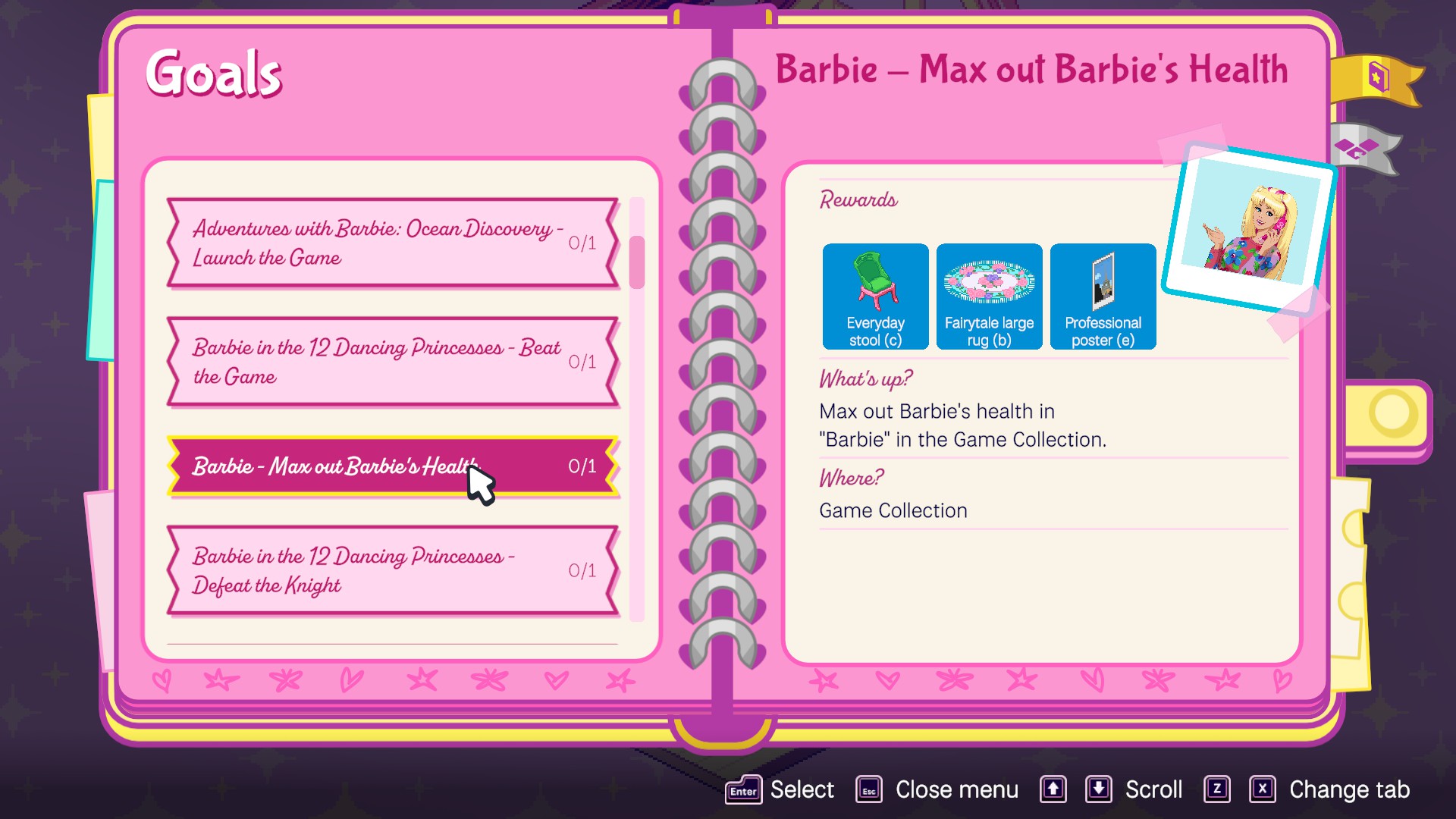
When talking about the Dreamhouse™ part of this game, everything is rather straightforward, luckily. Players get the task to enter one of the house’s many rooms, decorate it as they please, send an image to Barbie, and proceed to the next unlocked room. For those who don’t care about the decorating, there is the option to ‘speedrun’ through this by placing one item per room and texting Barbie that you’re done, and she’ll happily accept that you tried your best. For players who do care about making the Dreamhouse™ as pretty as possible, there is a lot to do. For every room that unlocks, players will receive a delivery of furniture that they can then utilise however they please. By placing it in a pixelated, grid-based room, the possibilities are endless when it comes to decorating. Some items can stack, allowing the Dreamhouse™ to be a busy place, or a minimalistic area. To tie this aspect of the game in with the emulated games, however, players can unlock even more furniture by playing X amount of time through one emulator, or actually finishing said adventure. In doing so, a new delivery can be found at the front door, allowing players even more options for decorating.
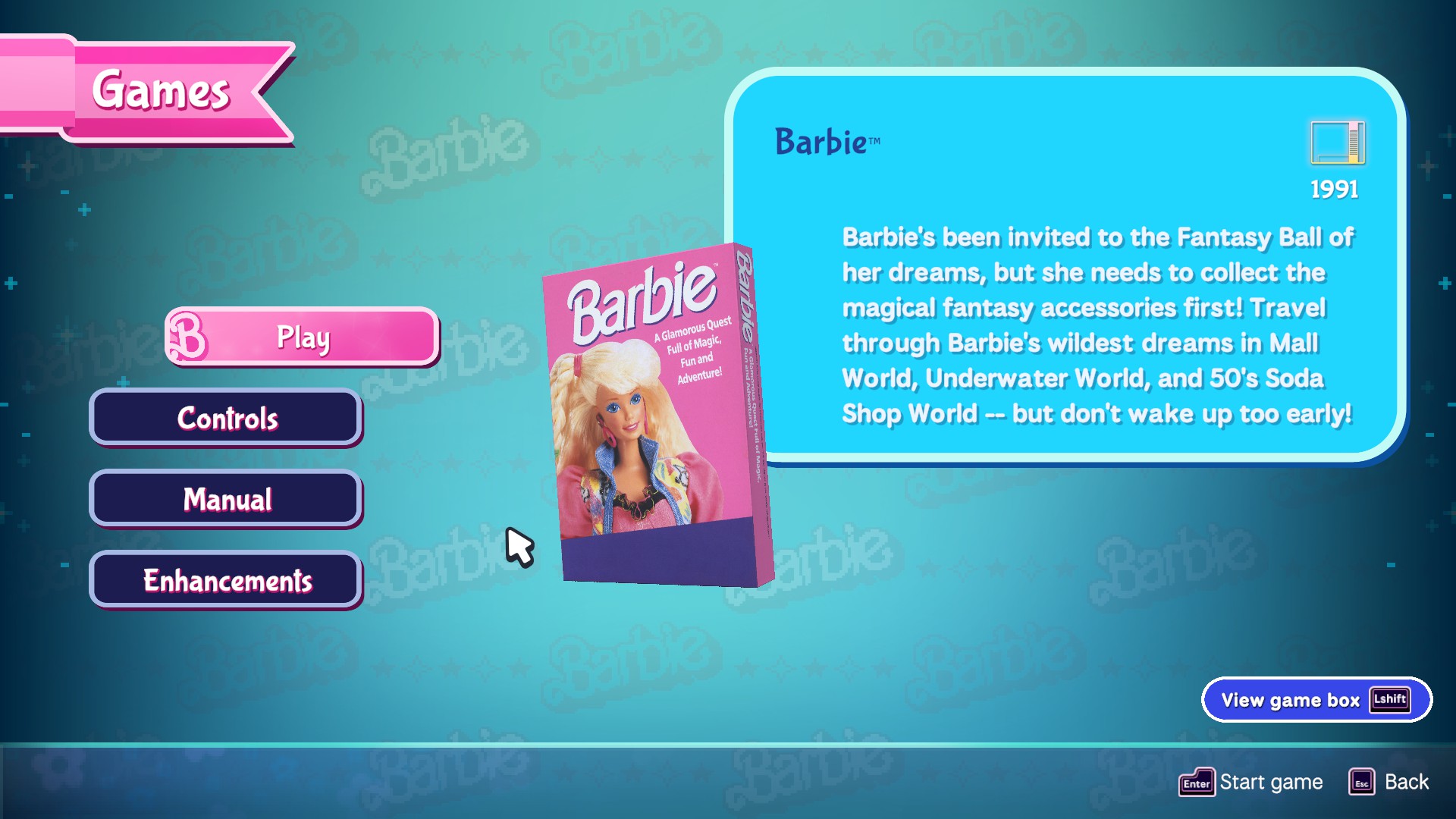
As for the 16 emulated games, players can select these in a separate menu. Atari was kind enough to even include the original box art of every game, going as far as allowing us to fully rotate and inspect said boxes, giving us the option to read the back and look at the original screenshots on them. Every game comes with its own manual as well. To go another step deeper into the nostalgia, when booting up one of the games, the display is that of the original console it was meant for. Meaning sometimes players get to enjoy Barbie on an older pink CRT TV, or a pink Game Boy Advance, for example. As mentioned earlier, there’s a setting that allows the screen to become more grainy, to really dive back into the year of the game’s release. Players can save externally, even if the game asks you to save in-game. This can be done with up to three different save files.
Conclusion
Fans of our pink diva Barbie will absolutely love Barbie™Rewind. If you haven’t grown up with these games, it might be a bit harder to get into them, given how dated the gameplay is. At the end of the day, however, this so-called rewind allows players to sit back and relax, playing older, more laid-back games, with a decorating option on top. The furniture being actual pieces from older playsets really is a plus, and adds an even bigger charm to this already great love-letter to Barbie and her friends. The price may be a bit steep for what you’re getting, but keep in mind that this is most likely due to licensing. Aside from that, we do recommend this game, as it really sets a new standard for emulator games.





No Comments