


Developer: RedDeer.Games, Lucky Comics
Publisher: RedDeer.Games
Platform: Switch (2)
Tested on: Switch 2
Lucky Luke Clock – Review
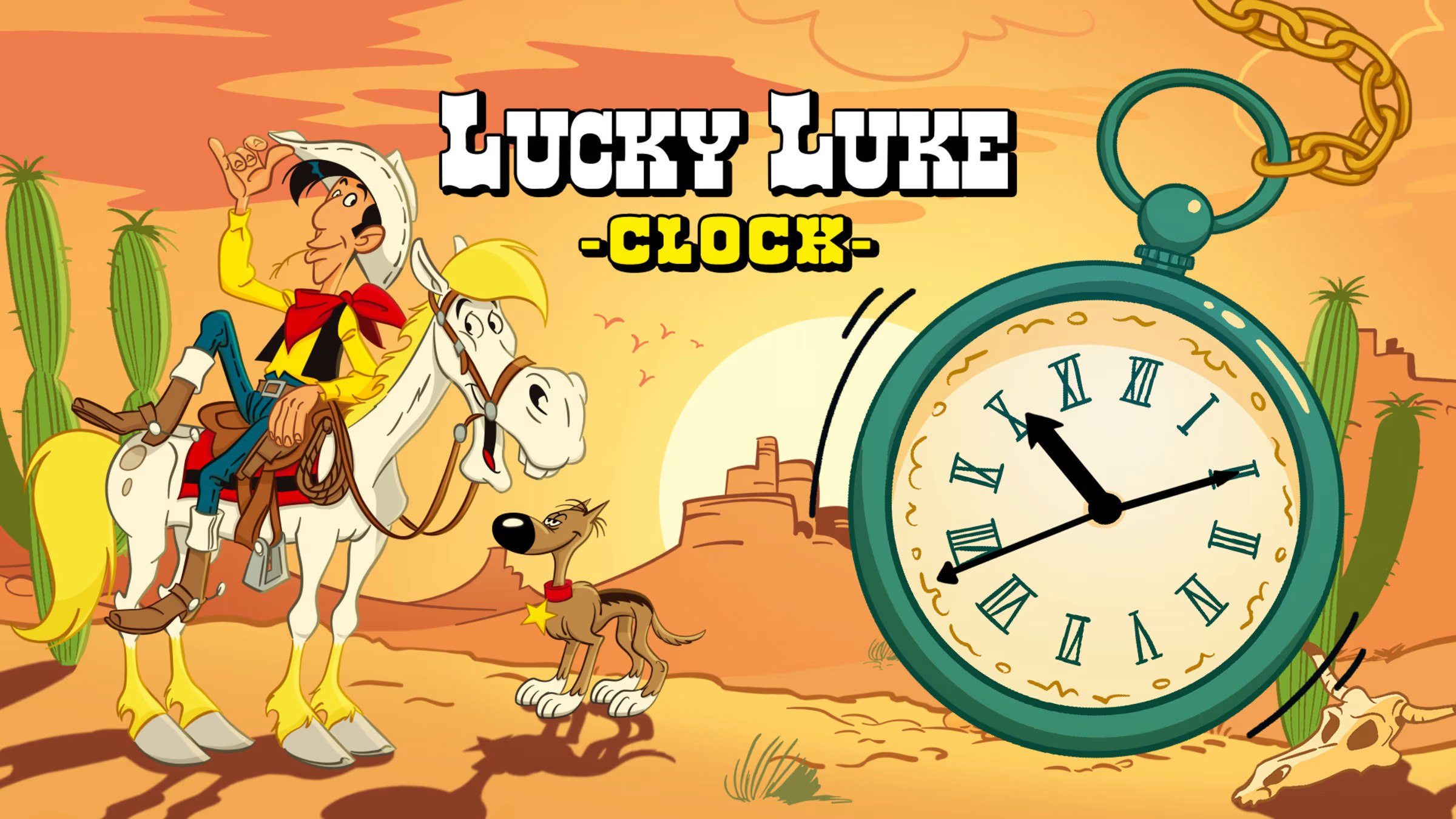
Move over Smurfs, Marsupilami and Asterix; there’s a new sheriff in town! Lucky Luke has officially joined the ever-growing lineup of Franco-Belgian comic-to-video game adaptations on Switch. However, the man who shoots faster than his shadow’s first Switch title isn’t quite what we expected. In fact, calling it a video game is a stretch. Then again, the title doesn’t overpromise anything: Lucky Luke Clock is, well, a Lucky Luke-themed clock. Should you pull the trigger on this one?
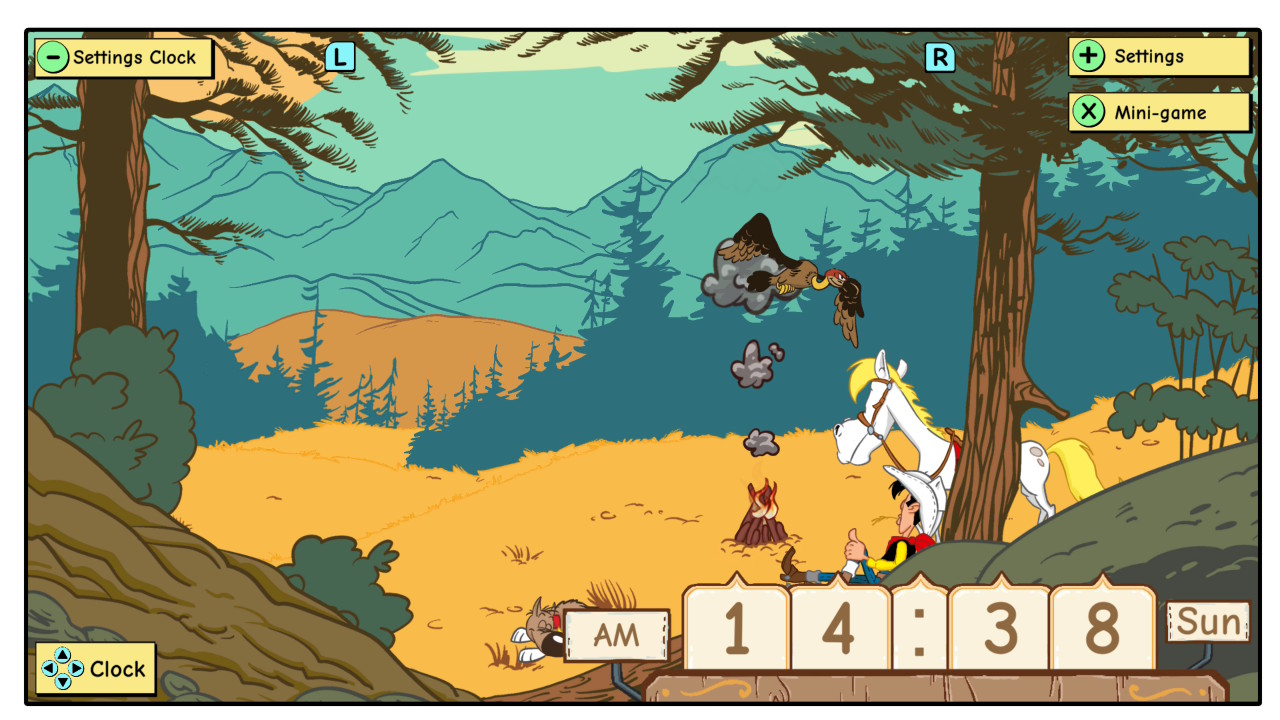
Given that Lucky Luke Clock is more app than game, we’re going to stray away from our usual review format. We’ll get the obvious things out of the way first: there is no story here whatsoever, and although there is some form of actual gameplay here, it’s limited to a very simple minigame. The main focus here is on the app’s primary functionality: it’s a clock. A fancy clock, admittedly, but a clock nonetheless. There are two backdrops to pick from. One is an animation of Lucky Luke riding across the desert on the back of Jolly Jumper. The other is a peaceful campfire scene. The latter is probably the more interesting one, as vultures fly overhead, carriages drive by, and native Americans pop up to observe our hero taking a well-earned rest. In addition to a backdrop choice, there are also two styles of clock to select: either a traditional round one with a Roman numeral dial or a more modern style with Arabic numbers.
The main appeal of Lucky Luke Clock is in its presentation. The app features true-to-the-comic visuals, accompanied by appropriate ambience and Western-style music. The visuals adapt in real time too, with the moon coming out at night. While we’d advise against having Lucky Luke Clock running overnight, it’s a fun little alternative to a standard, boring desk clock. That said, just two backdrops and two clock faces feel limited, especially since the source material could provide a wealth of other options. Why not have a Western town, native American village, or prison with some of Lucky Luke’s more prominent adversaries, like Billy the Kid, Calamity Jane, or the Dalton Brothers? Or perhaps the iconic ‘Poor Lonesome Cowboy’ scene that ends most of the comic books?

The aforementioned minigame then, is a simplistic, Game & Watch-style novelty simply titled ‘Minigame’. In the game, the Dalton brothers are at it again, chucking lit sticks of dynamite at cargo. It’s up to Lucky Luke to catch the dynamite in a water-filled barrel. In what is a nice nod to those Game & Watch games this appears to be inspired by, the minigame doesn’t use real animations but static images instead. We would’ve probably appreciated it even more if the illustrations here had been rendered as LCD-style black and white sprites instead. Still, it’s a fun little distraction, even if you’ve seen what it has to offer within a few minutes.
There’s one more feature to Lucky Luke Clock, but we couldn’t get it to work if our life depended on it. The app supposedly has a built-in alarm feature. We wanted to try this out, but no matter which way we tried to configure it, the alarm simply wouldn’t go off. We tried keeping the app open, putting it in standby, putting our Switch 2 in sleep mode, and toggling every possible combination in the settings, but to no avail. We might have missed something or done it wrong, but with no in-app explanation, we’re sure we’re not going to be the only ones who run into this issue. It’s probably quite telling that the eShop page for Lucky Luke Clock shows multiple screenshots for every other feature in the game, but the alarm function is conspicuously missing.

For as simple an app as Lucky Luke Clock is, one thing that did surprise us was the file size: it’s a whopping 1.2GB. That may not sound like a lot, but this is still a simple clock app. It takes up around the same space as full-fledged games like Lil’ Guardsman and Thank Goodness You’re Here!. In a day and age where memory cards are becoming increasingly expensive, we can imagine Lucky Luke Clock to be one of the first titles to be deleted if you’re running out of space.
At €5.99 RRP, Lucky Luke Clock seems woefully overpriced, given just how barebones the package is. However, given RedDeer.Games’ track record, don’t expect the game to actually be priced like this all the time. The publisher’s strategy still seems to be to create perceived value by putting their releases on a deep discount straight from the get-go. We saw this with nOS, Cyber Protocol, and pretty much every other game they’ve released. At the time of writing, Lucky Luke Clock is already heavily discounted to €1.99, a 67% launch reduction that lasts until the 22nd of October. That €1.99 seems about right for what is essentially a novelty app where you’ve seen everything on offer within minutes. Here’s hoping Lucky Luke’s next Switch outing is a bit meatier.
Conclusion
Delivering pretty much exactly what it says on the tin, Lucky Luke Clock is okay for what it is. The presentation is genuinely nice, and the minigame is a neat little bonus. While the RRP is definitely too high, you can expect this one to be discounted more often than not. At €1.99, this is nice to have, though we wouldn’t say it’s an essential addition to your library. Now, if only we could have gotten that alarm function to work…





No Comments